
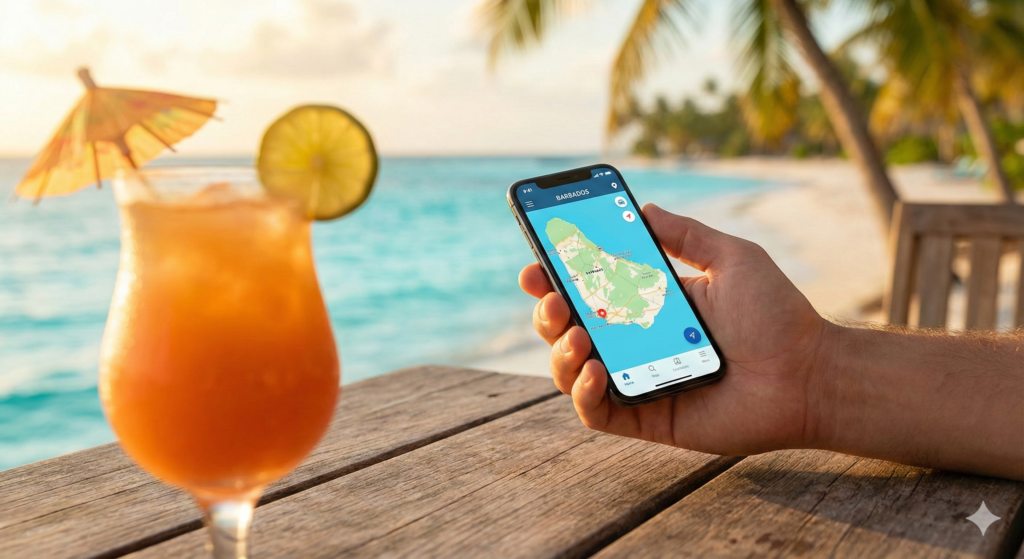
Where to get Barbados SIM Cards? Imagine this: You’ve just landed in beautiful Barbados. The sun is shining, the breeze is warm, and you’re ready to share that first stunning beach photo. You look at your phone… “No Service”. In 2026, staying connected isn’t a luxury; it’s a necessity. Finding the best options for Barbados SIM cards and internet access is crucial for navigating the island, checking maps, and staying in touch easily.
The good news is that Barbados has excellent telecommunications infrastructure. Gone are the days of relying solely on expensive roaming. This guide will compare the newest eSIM technology with traditional physical Barbados SIM cards and local WiFi options to help you choose the best connection for your trip.
Quick Comparison: eSIM vs. Physical Barbados SIM Cards
Not sure which option is right for you? Here is a quick breakdown of the pros and cons of each to help you decide on the best choice for Barbados SIM cards.
| Feature | eSIM (Digital SIM) | Physical Barbados SIM Card |
| Setup | Instant, online before flying | Buy at airport/store, requires installation |
| Convenience | High – no physical swap needed | Medium – must open phone tray |
| Keep Home Number | Yes, easily run dual SIMs | Only if phone has 2 physical slots |
| Compatibility | Needs a modern smartphone | Works in almost any unlocked phone |
| Best For | Short trips, tech-savvy travelers | Longer stays, need for local calls |
The Modern Traveler’s Choice: eSIMs (Recommended)
If you have a modern smartphone (like a newer iPhone, Samsung, or Pixel), an eSIM is often the most convenient “luxury travel” alternative to a standard Barbados SIM card. It’s a digital SIM already embedded in your phone’s hardware.
Why choose an eSIM over physical Barbados SIM cards?
-
Instant Connectivity: You can buy and install your plan before you get on the plane. It activates the moment you land at BGI, unlike getting physical Barbados SIM cards which usually requires queuing at a kiosk.
-
No Hassle: Forget hunting for a SIM ejector tool or worrying about losing your tiny home SIM card.
-
Dual SIM Capability: Keep your home line active for important calls and texts while using the eSIM for cheap local data.
We recommend reputable providers like Airalo or Holafly for affordable, data-only Caribbean packages that work perfectly as a digital Barbados SIM card alternative.
The Traditional Option: Physical Barbados SIM Cards
If your phone doesn’t support eSIMs, or you absolutely need a local phone number for making calls to restaurants or tour operators, getting a physical SIM is your best bet. The two major providers for Barbados SIM cards on the island are Flow and Digicel. Both offer reliable high-speed 4G LTE and are expanding their 5G coverage.
Where to buy physical Barbados SIM cards?
-
Grantley Adams International Airport (BGI): As we detailed in our complete Barbados Airport Guide, both Flow and Digicel have prominent kiosks just outside the arrivals exit. They are usually open for most incoming international flights.
-
Retail Stores & Gas Stations: You can easily find branded stores in major hubs like Bridgetown, Oistins, and Holetown. Many larger gas stations and supermarkets also sell top-up cards and sometimes SIMs.
Crucial Requirement: To register and activate any physical Barbados SIM cards, By law, you must present your passport to the agent. The process takes about 10-15 minutes.
WiFi Coverage: An Alternative to Barbados SIM Cards
Don’t want to buy any Barbados SIM cards at all? You can relying solely on WiFi, but it has limitations compared to having your own mobile data connection.
-
Hotels & Resorts: Almost all hotels, villas, and Airbnbs offer fast, complimentary WiFi for guests.
-
Public WiFi: Many cafes, restaurants, and popular beach bars provide free access. However, be cautious as public networks aren’t always secure for sensitive activities like online banking. For more general island information, the official Visit Barbados website is a great resource.
Troubleshooting: What if My SIM Doesn’t Work?
Sometimes technology needs a nudge. If you’ve bought one of the Barbados SIM cards but can’t connect:
-
Restart: Turn your phone off and on again. This solves 90% of issues.
-
Check Settings: Ensure “Mobile Data” is turned ON and “Data Roaming” is also ON (especially for eSIMs).
-
APN Settings: Sometimes you need to manually set the Access Point Name (APN). The store agent should do this, but if not, Google “Flow Barbados APN settings” or “Digicel Barbados APN settings” and enter them manually.
Final Verdict: Choosing Your Connection
-
For Luxury & Speed: Get an eSIM online before you travel; it’s faster than buying physical Barbados SIM cards.
-
For Calls & Long Stays: Buy physical Barbados SIM cards from Flow or Digicel at the airport kiosk.
-
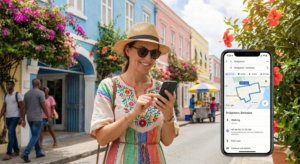
On a Budget: Rely on hotel WiFi and download offline maps before you leave.
Staying connected is easy. Choose your best option among eSIMs or Barbados SIM cards and spend more time enjoying the views! Keep visiting our site SEA U Barbados
Pingback: Essential Guide: Renting a Car in Barbados (2026 Costs)
Do you mind if I quote a couple of your posts as long as I provide credit and sources back to your blog? My blog site is in the very same niche as yours and my users would genuinely benefit from some of the information you present here. Please let me know if this ok with you. Thanks a lot!